


View Products in 3D/AR

See How These Parts Look on Your Car Before You Buy


 CJ Classic Trucks Main Fuel Tank Filler Pipe Bronco 1966-1976$47.99 MSRP $59.95


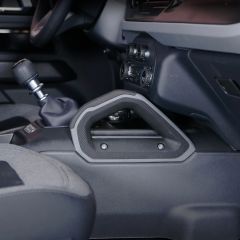

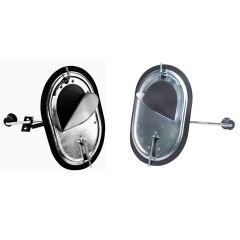

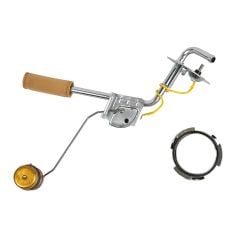


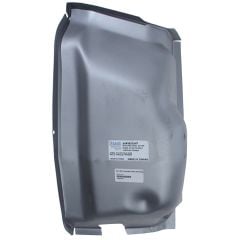
How to Use 3D/AR View at CJ's
Our 3D images let you see parts from every angle in fine detail, whether you’re on your phone or computer. If you’re browsing parts on your phone, you can use AR view to see what they’ll look like on your actual car.
Using 3D/AR View on Your Phone
AR view is available on iPhone 6S or newer with iOS version 11.0 and up. For Android phones, you must have the AR Core app installed. AR Core is available on these devices running Android 7.0 and newer.
- Click on any product on this page.
- Swipe left until you find the thumbnail image with the 3D view icon.
- Tap on the image to launch the 3D view.
- Once you’re in 3D view, you can use your finger to spin or rotate the product. Pinch your fingers together or spread them apart to zoom in and out.
- To launch the AR view, tap the AR button in the bottom-right corner of the 3D view screen.
- To get the product to show up on your screen, you’ll need to move your phone around to orient the camera to your environment.
- Once the product appears on your screen, you can use your fingers to adjust the angle, size, and location to fit your car.
Using 3D View on Your Computer
You can take advantage of our 3D images regardless of what device you’re on. Here’s how to find and use 3D view on your computer:
- Click on any product on this page.
- Find the thumbnail image on the product page with the 3D view icon.
- Click on the image to launch the 3D view.
- Once you’re in 3D view, you can click and drag the product to see it from different angles. You can also use your scroll wheel or trackpad to zoom in and out.

My Wish List
Last Added Items
You have no items in your wish list.
